
Download Recipe4mac – free cooking app, recipe browser for macOS
Recipe4mac is marketed as a handy desktop gateway to the worldwide collection of recipes hosted on recipe4all.com. The concept is simple: instead of opening a web browser and typing a URL, users can launch a dedicated macOS program that mimics the website’s layout and lets them search by ingredient, name, or region. While the idea of a single‑click recipe explorer sounds appealing, the reality of the app is far less exciting. Built as a thin wrapper around the original website, Recipe4mac inherits the same dated design, limited navigation options, and a cluttered mix of genuine recipes and advertising. In this review we’ll break down what the software actually offers, how easy it is to install, which macOS versions it supports, and whether the pros outweigh the cons for a modern home cook.
Core Features, Installation & Daily Use
Feature Overview
- Search recipes by ingredient, recipe name, or cuisine.
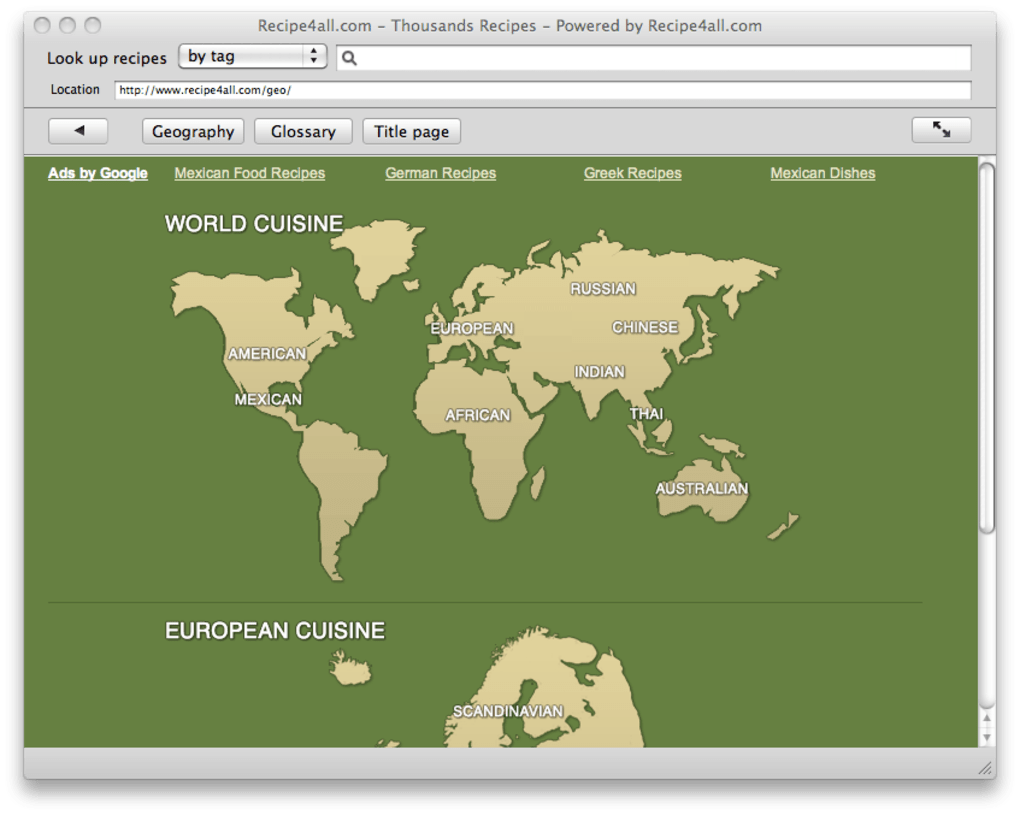
- Browse a world map that links to regional recipe collections.
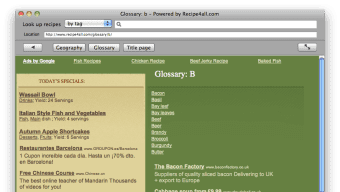
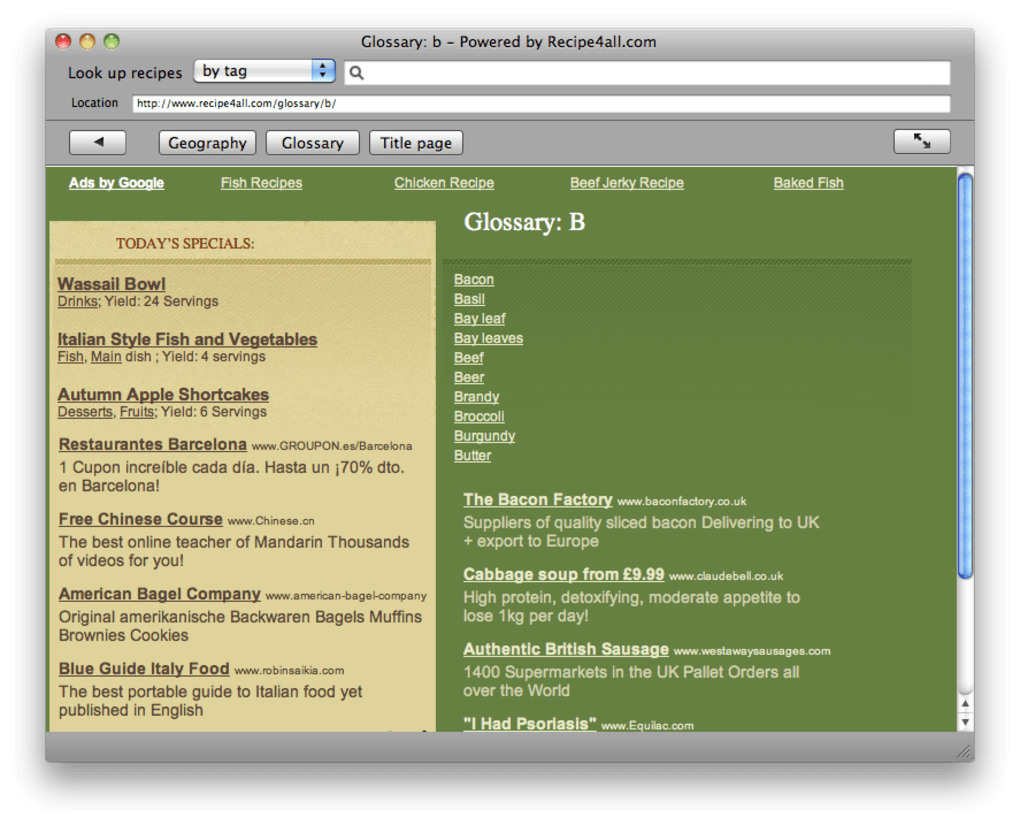
- Glossary of cooking terms and a direct link to the home page of recipe4all.com.
- Simple “one‑click” launch from the macOS Applications folder.
- Basic offline cache for the most recently viewed pages.
What the App Doesn’t Do
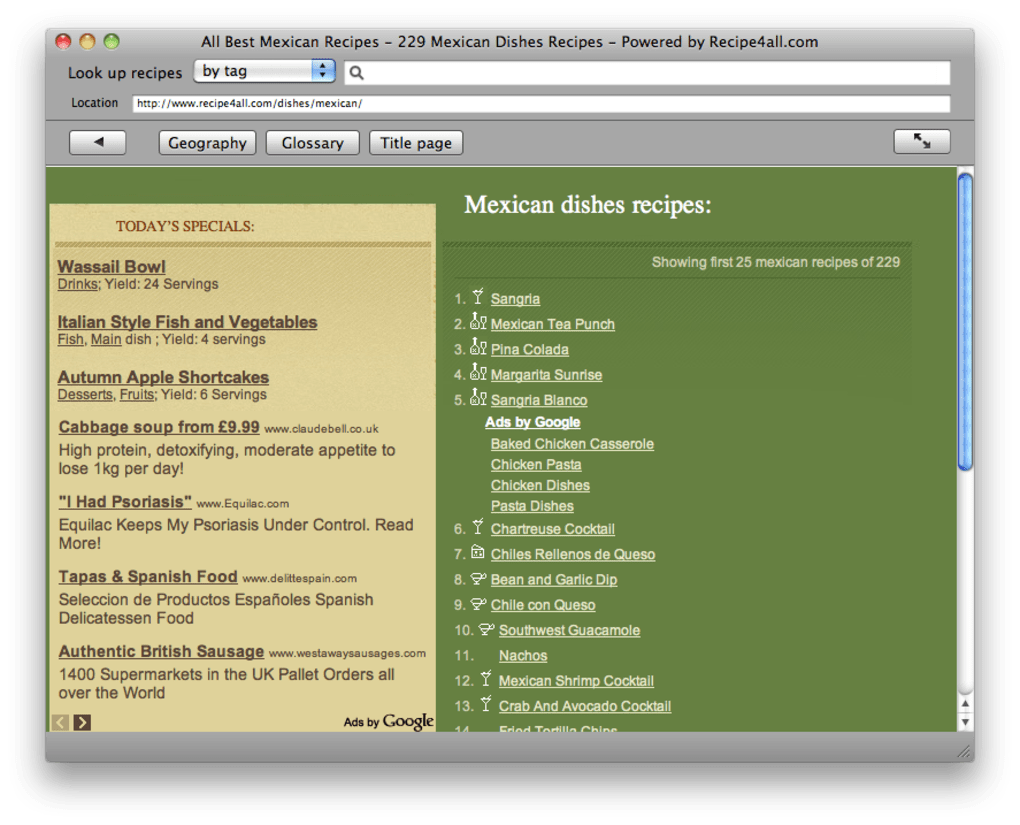
Despite the feature list above, Recipe4mac lacks many functionalities that users have come to expect from modern cooking tools. There is no ability to save favorite recipes, no meal‑planning calendar, and no integration with grocery‑list apps. The search engine mirrors the website’s algorithm, which often returns unrelated results or surfaces advertisements that look like real recipes. Furthermore, there are no customization options—no theme changes, font size adjustments, or the ability to hide ads. The program essentially locks you into the same static experience you would have on a browser, but with the added inconvenience of an extra application layer.
Installation Process
Downloading and installing Recipe4mac is straightforward, but the steps are worth noting for users who prefer a clean macOS environment. First, visit the official download page (or a trusted software portal) and click the .dmg file. Once the disk image mounts, drag the Recipe4mac icon into your /Applications folder. macOS may warn you that the app is from an unidentified developer; you can bypass this by opening System Preferences → Security & Privacy → General and selecting “Open Anyway.” After confirming, the app will launch and present the familiar recipe4all.com homepage within its own window.
Everyday Usage
Using the app is as simple as typing a keyword into the search bar at the top of the window. For example, entering “chocolate” brings up a list of chocolate‑based desserts from the site’s database. However, the results often include sponsored content that is not clearly labeled, forcing users to click through several pages before finding a genuine recipe. The map browsing feature is visually appealing but suffers from the same lack of depth—many regions show only a handful of entries, and clicking on a country frequently redirects to a generic landing page rather than a curated list. Because the application does not store recipes locally, you need an active internet connection for almost every interaction, which limits its usefulness in offline kitchen environments.
Compatibility, Pros & Cons
Supported Operating Systems
Recipe4mac is built for macOS 10.12 (Sierra) and newer. Users on older versions may encounter crashes or UI glitches, as the app relies on modern system libraries that are not present in legacy releases. The software has not been officially ported to iOS, Android, or Windows, making it a strictly macOS‑only solution.
Pros
- Quick launch from the Applications folder without opening a web browser.
- Unified interface that consolidates recipe4all.com’s search and map features.
- Free to download and use, with no hidden subscription fees.
- Lightweight installer (under 30 MB) that does not consume significant disk space.
Cons
- Essentially a thin wrapper around a dated website—no native enhancements.
- Lack of recipe‑saving, meal planning, or grocery‑list integration.
- Ads are indistinguishable from actual recipes, leading to a confusing experience.
- Limited offline capability; most functions require an active internet connection.
- Design and navigation feel old‑fashioned compared with modern cooking apps.
Frequently Asked Questions
Is Recipe4mac a standalone recipe database?
No. Recipe4mac simply loads the public website recipe4all.com inside a native macOS window. All content, including recipes and ads, comes directly from the site.
Can I save my favorite recipes for offline use?
The app does not provide a bookmarking or saving feature. The only way to keep a recipe offline is to manually copy the text or take a screenshot.
Is the software safe and free from malware?
Yes. When downloaded from the official source or reputable software repositories, Recipe4mac contains no viruses or unwanted bundles. macOS’s Gatekeeper may flag it as unsigned, but you can safely bypass the warning as described in the installation steps.
Does Recipe4mac receive regular updates?
Updates are infrequent. The last known version was released in early 2022, and there have been no major feature additions since then. Users should not expect new functionality or UI redesigns.
What macOS versions are officially supported?
The application lists macOS 10.12 (Sierra) and later as the minimum requirement. It runs smoothly on macOS 11 (Big Sur) and macOS 12 (Monterey), but older releases may experience instability.
Conclusion & Call to Action
Recipe4mac offers a niche solution for users who prefer a dedicated macOS window over a browser tab when browsing recipe4all.com. Its biggest advantage is the simplicity of a single‑click launch, but that convenience is quickly outweighed by a lack of modern cooking‑app features, a confusing blend of ads and recipes, and a dated user interface. If you already love the website and need a quick way to access it without opening Safari or Chrome, the app may serve a very narrow purpose. However, for most home cooks who want recipe organization, meal planning, and a clean, ad‑free experience, there are far better alternatives on macOS such as Paprika, Yummly, or even the native Apple Books recipe collections.
In short, Recipe4mac is a free, secure download but it is a below‑average option for anyone looking beyond a basic web wrapper. Consider your workflow: if you require offline access, recipe saving, or a polished UI, look elsewhere. If you simply want a lightweight shortcut to recipe4all.com, go ahead and give it a try—just keep expectations realistic.
Download Recipe4mac now and decide for yourself whether the convenience outweighs the limitations.







